1
Create and activate your account
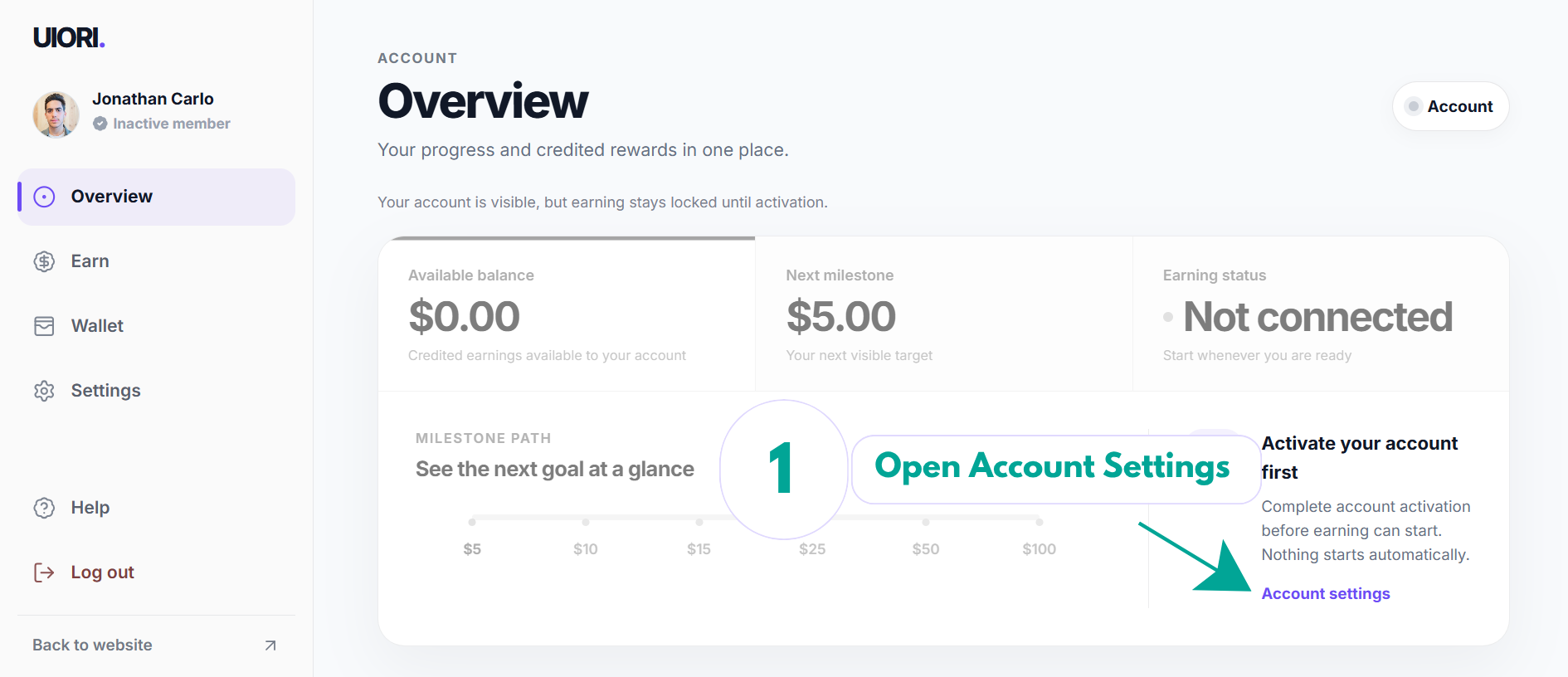
After signup, open Account settings and finish activation. Earning stays off until you complete setup.
How UIORI works
Create your account, complete the earning setup, turn support on when you are ready, and track progress from your dashboard.
The process
These screens show each step from signup to earning. Follow them in order and you will always know what comes next.
After signup, open Account settings and finish activation. Earning stays off until you complete setup.
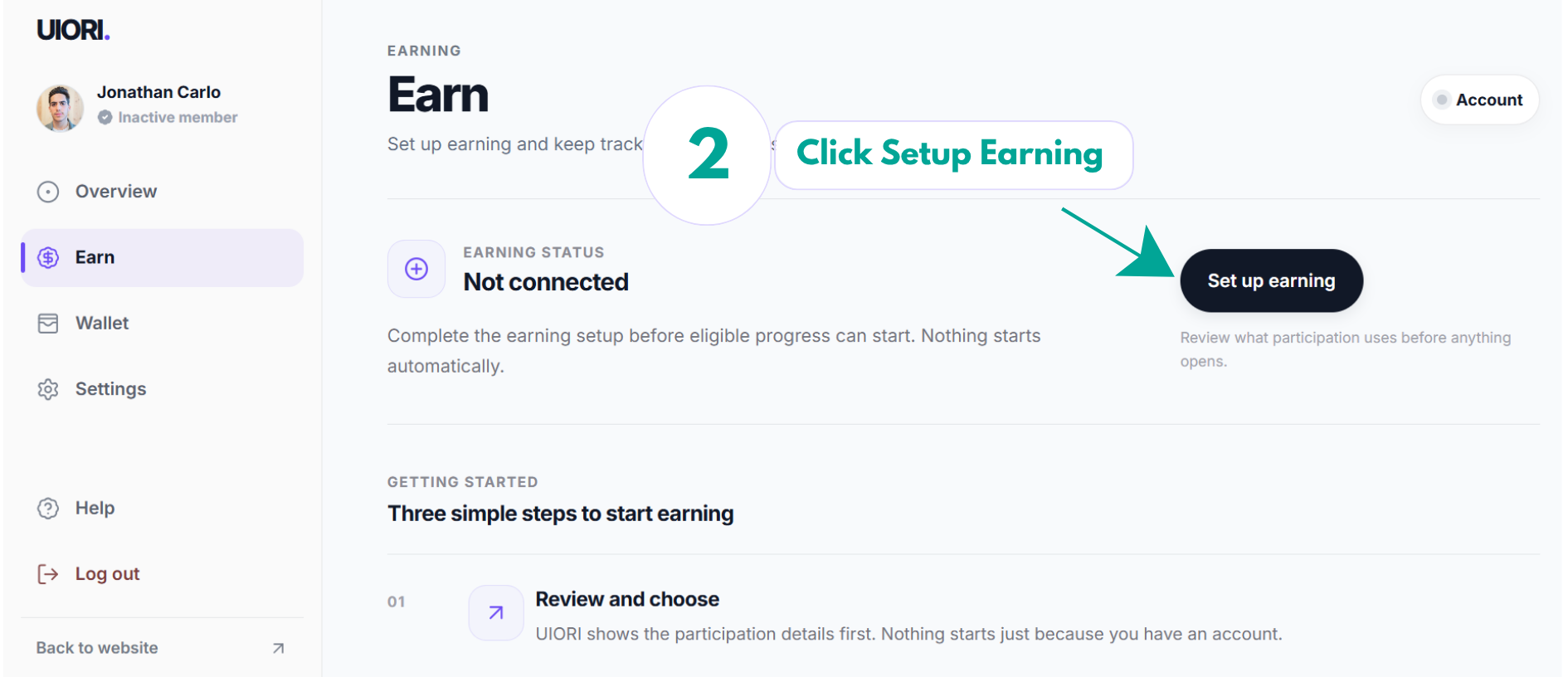
Choose Set up earning. UIORI explains what participation uses before anything opens.
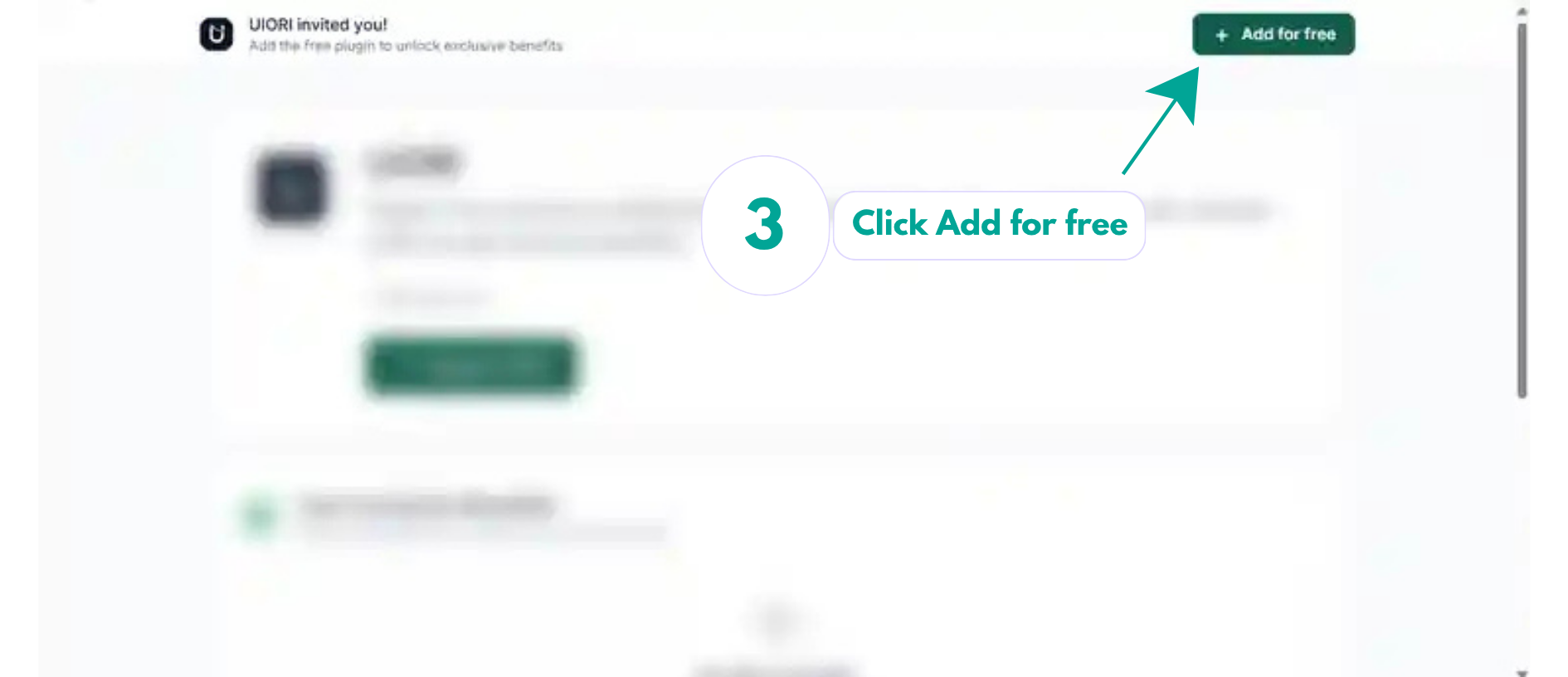
UIORI takes you to its Mellowtel support page. Review it, then continue with Add for free.
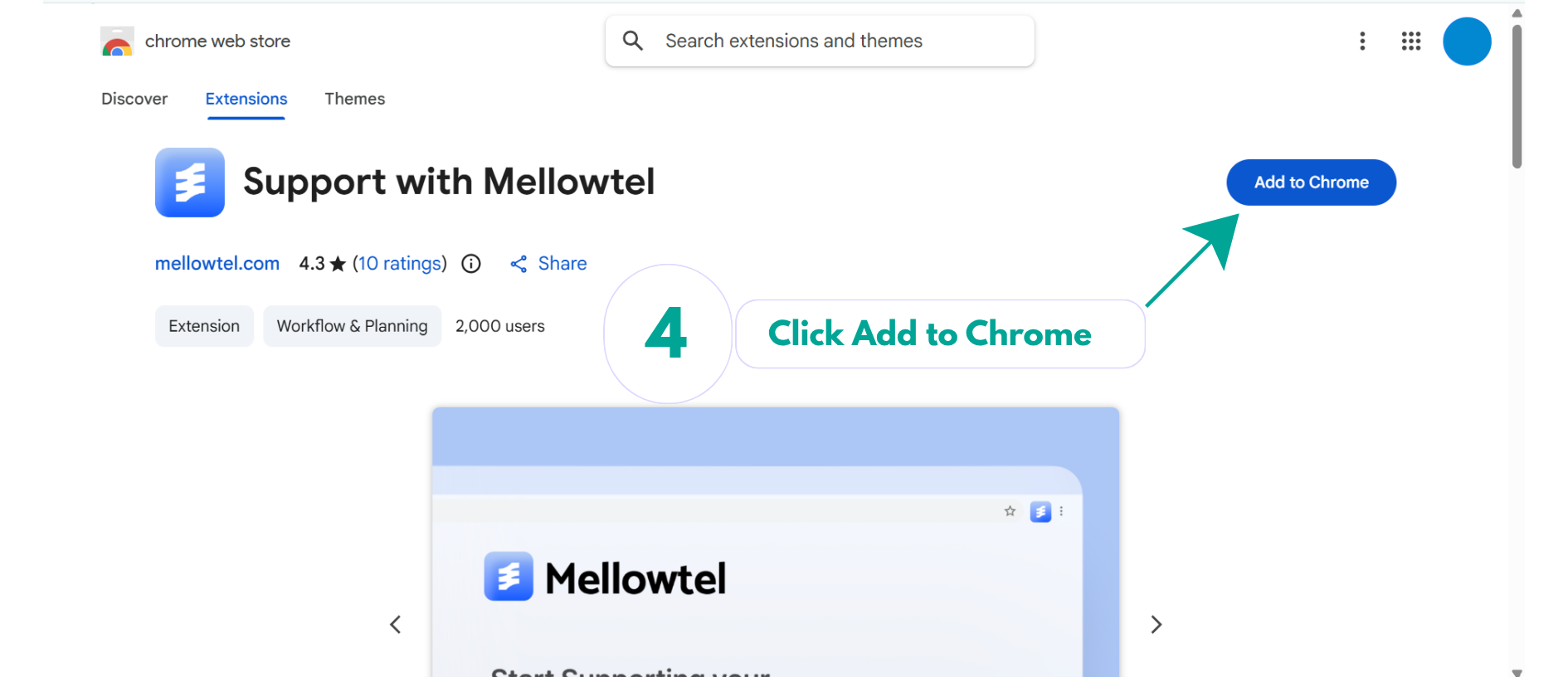
On the Chrome Web Store, choose Add to Chrome to install the Mellowtel extension.
Mellowtel briefly shows how support works and where its controls are. Continue with Next Step.
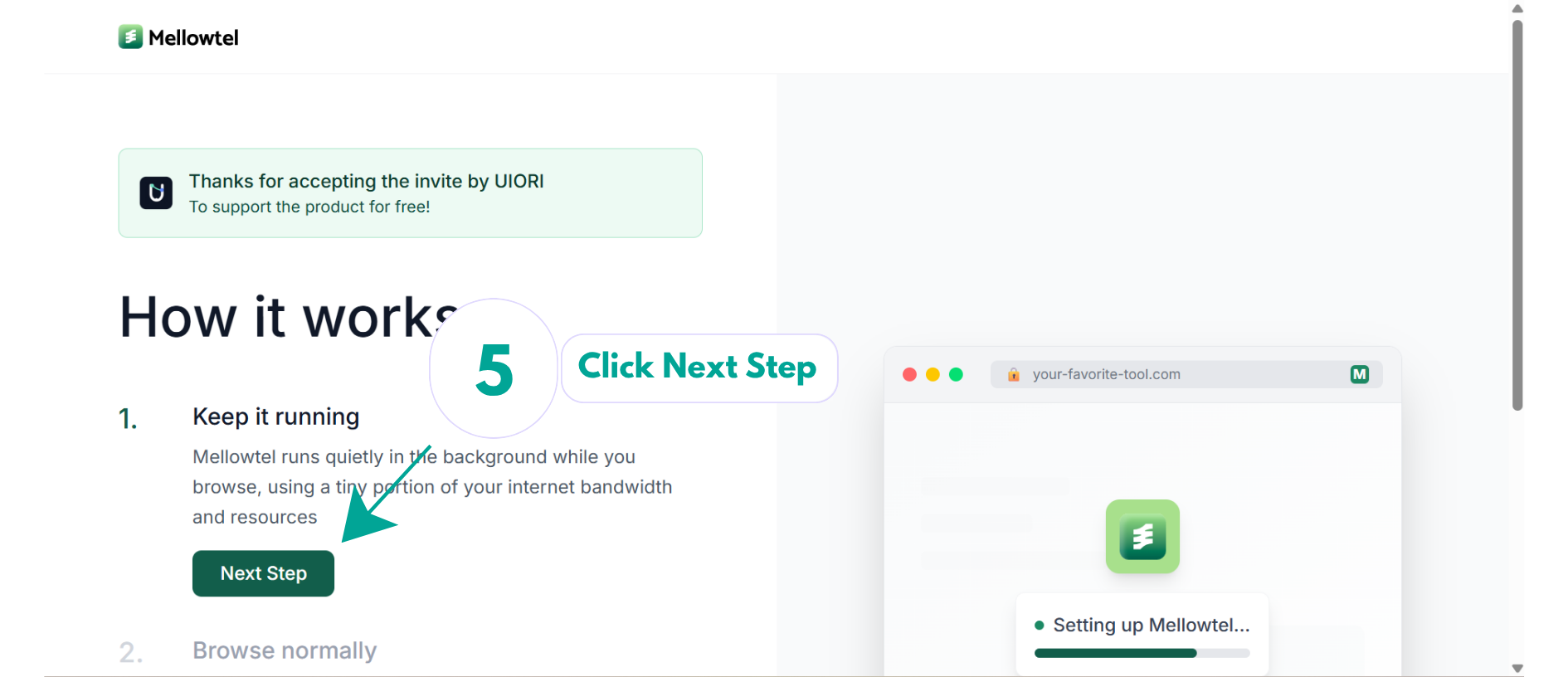
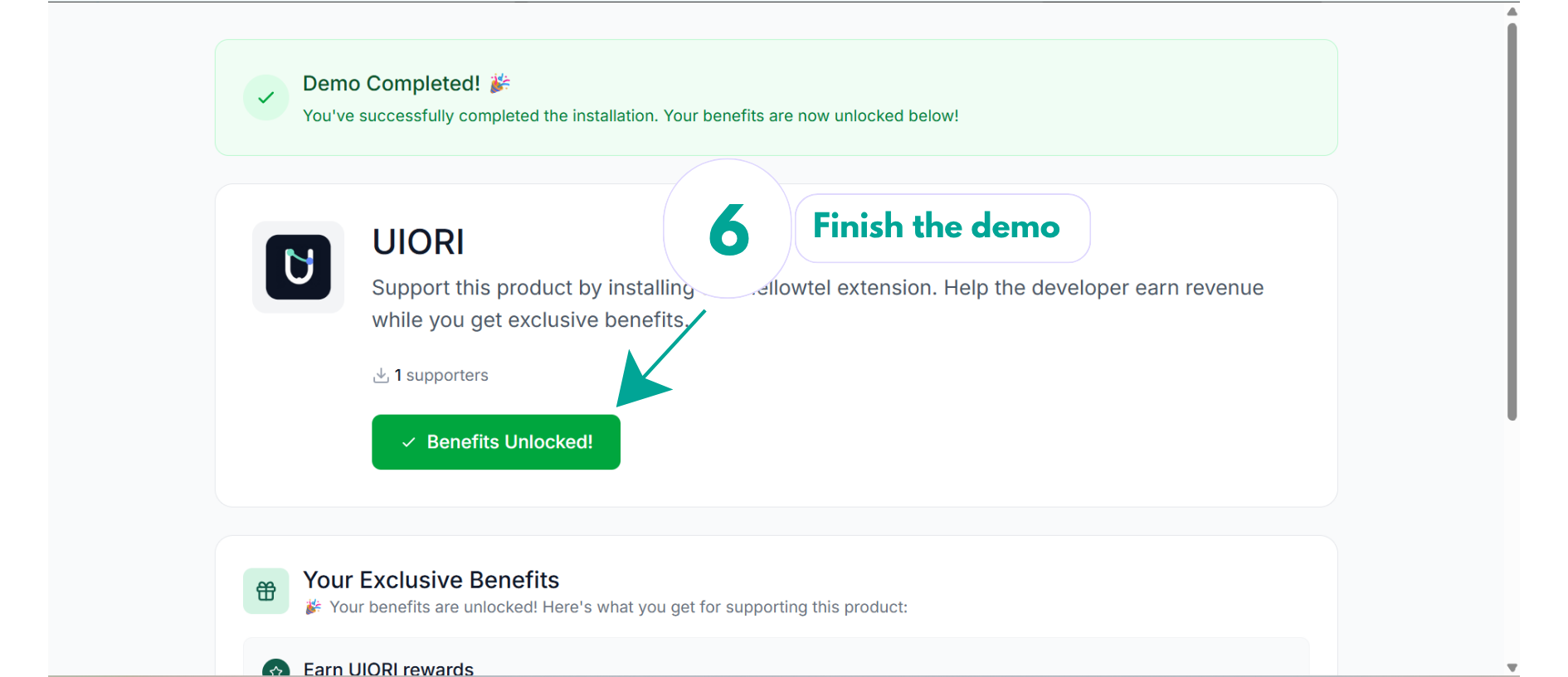
Finish the Mellowtel demo, then return to UIORI. The extension is verified automatically in this browser.
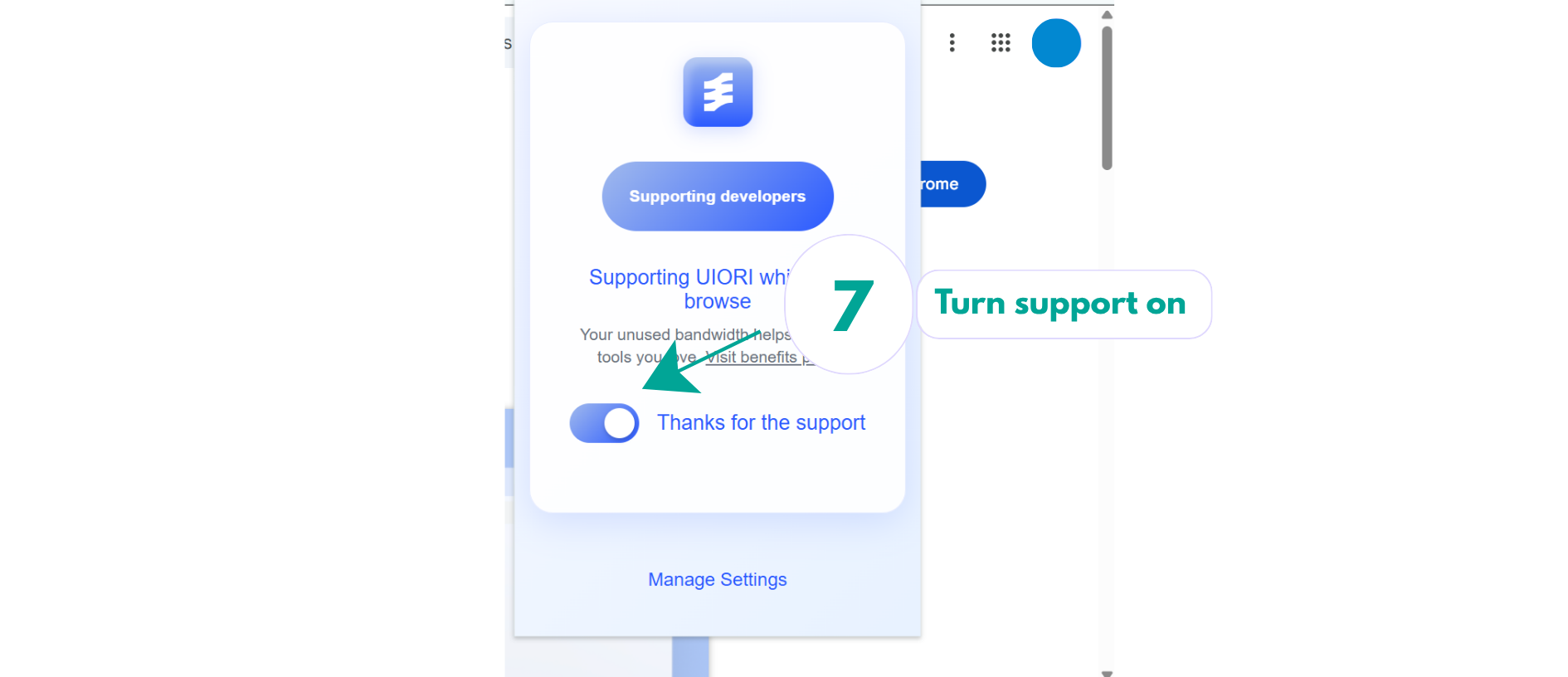
When you choose to participate, turn support on. A small part of your unused internet connection can then be used while you browse.
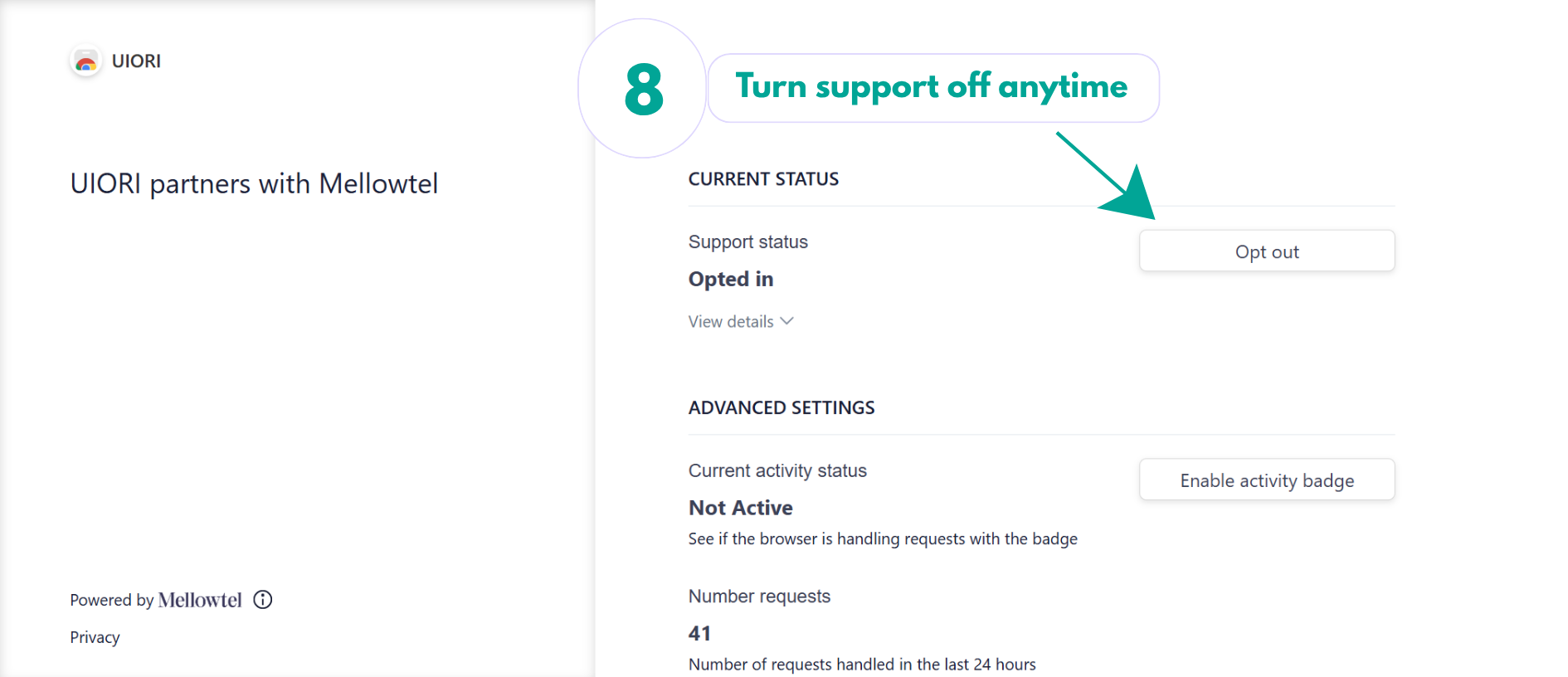
Open Mellowtel settings whenever you want to stop support. The control remains yours.
After you start
Eligible activity can update your progress. When UIORI credits a reward, it appears separately in your balance.
Activity that meets UIORI rules can contribute to your progress.
Points, streaks, levels, and milestones show how you are moving forward.
Only amounts actually credited by UIORI count as money.
Your control